Blog & pages
Blog post
27 settings5 blocksv2.0.15
What it is
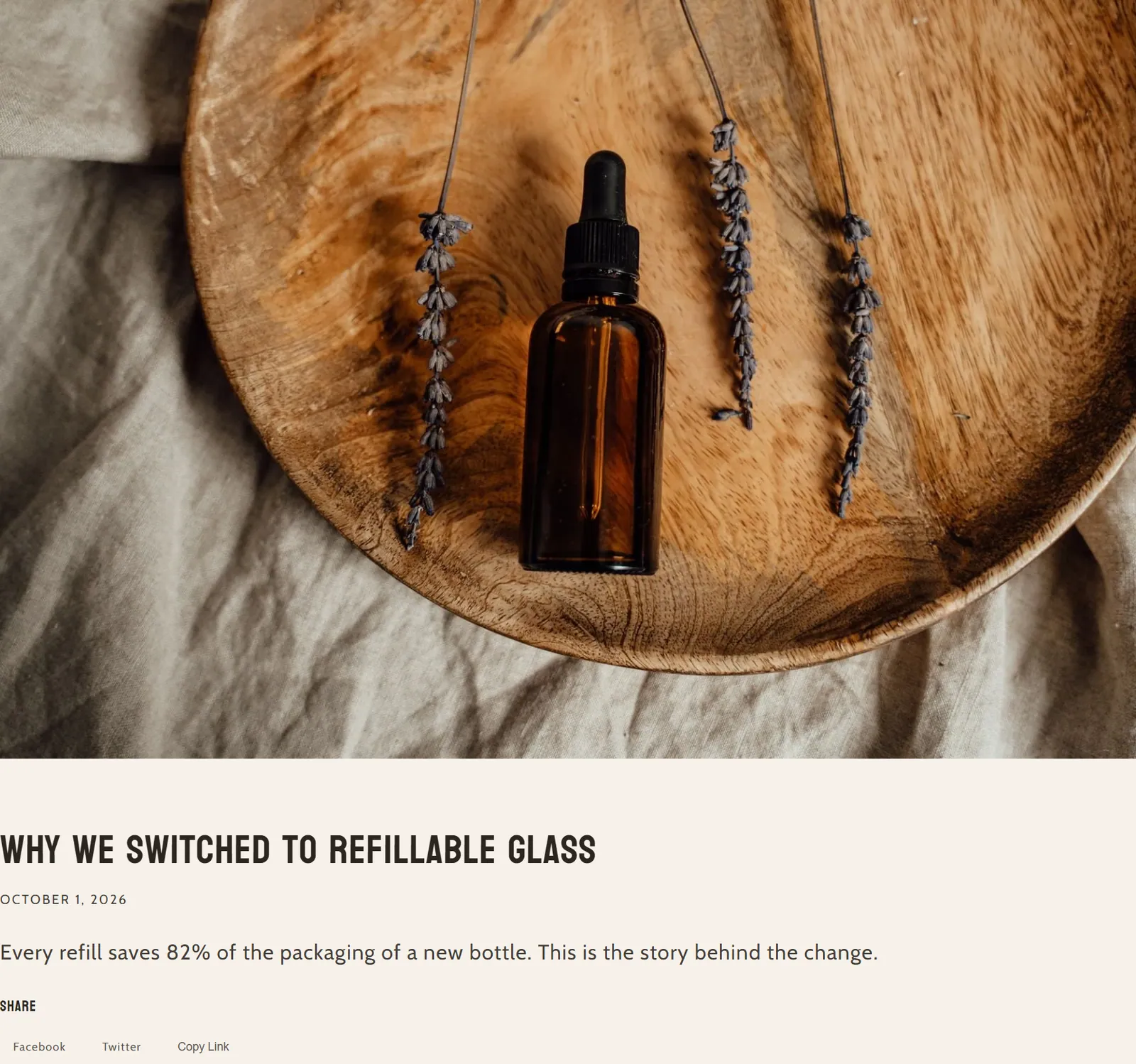
This is the content of each blog post: featured image, title, article text, share buttons and author details. It is built with blocks.
When to use it
- Control how each article on your blog looks.
- Show who wrote the article, with their photo and rating.
- Make it easy for readers to share the article on social media.
- Used by default in
- Blog post
- Available in
- Any template
- Limits
- Accepts app blocks
Main settings
How this section's settings are organised.
No settings.
Blocks
Content you add inside the section with “Add block”. Their settings are in the full reference.
- Featured image1 settings
- Title2 settings
- Content0 settings
Full reference: 27 settings
Type, default value, ranges and units, every option and when each setting shows — plus every block setting, tips and the docs of older versions. Available to Pixelion customers.
File: sections/main-article.liquid · v2.0.15