Collection & search
Product grid
What it is
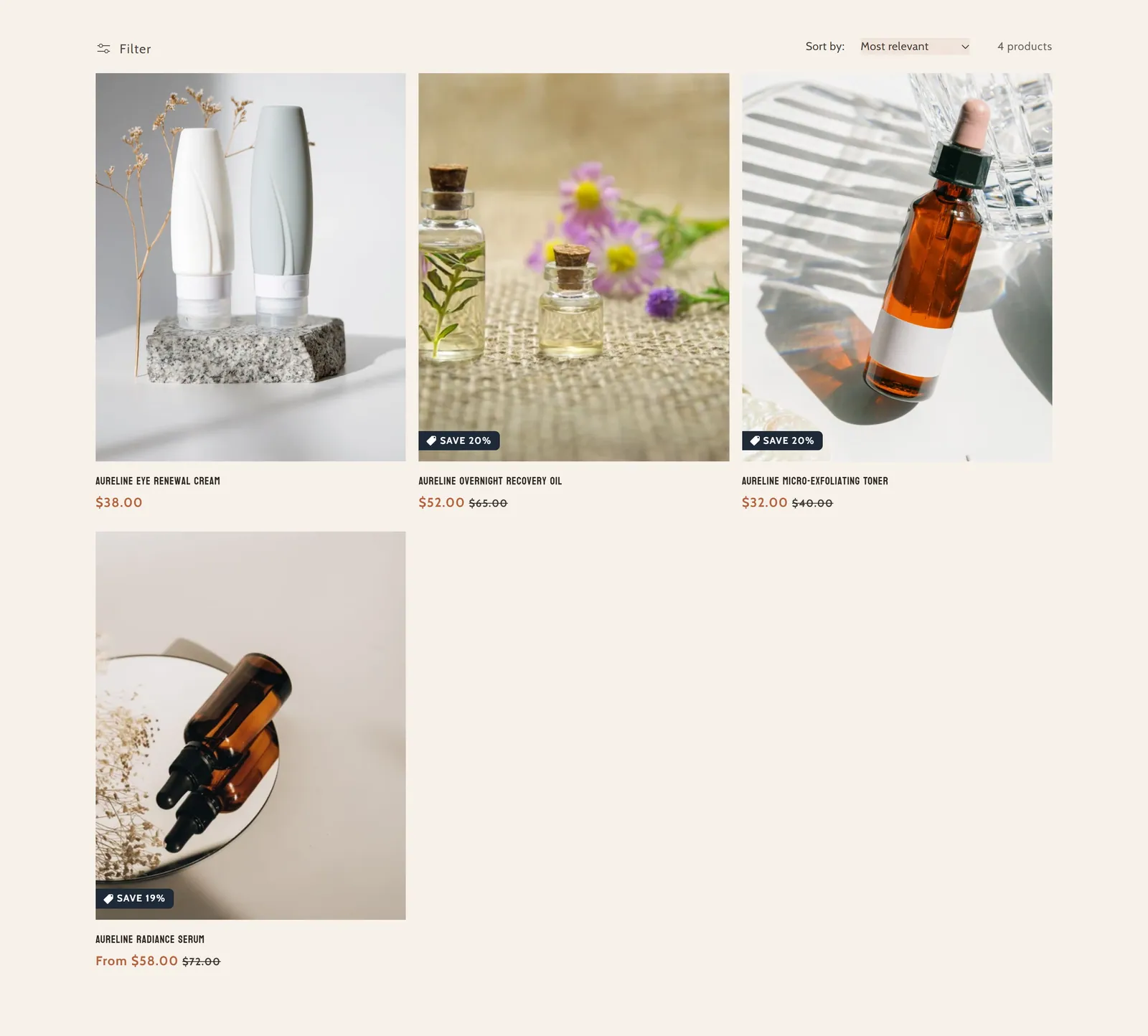
The product grid on the collection page, with filtering, sorting and infinite scroll. It is the main part of that page.
When to use it
- Show all the products in a collection.
- Let customers filter and sort products.
- Control how many products and columns are shown at once.
- Used by default in
- Collection page
- Available in
- Any template
Main settings
How this section's settings are organised.
General5 settings
Enable infinite scroll · Infinite scroll end text · Products per page · Number of columns on desktop · and 1 more
Product card6 settings
Image ratio · Show second image on hover · Badges · Show vendor · and 2 more
Filtering and sorting3 settings
Enable filtering · Desktop filter layout · Enable sorting
Mobile Layout1 settings
Number of columns on mobile
Common settings
This section also has these shared settings, explained on their own page:
Full reference: 17 settings
Type, default value, ranges and units, every option and when each setting shows — plus every block setting, tips and the docs of older versions. Available to Pixelion customers.
File: sections/main-collection-product-grid.liquid · v2.0.15