Collection & search
Search results
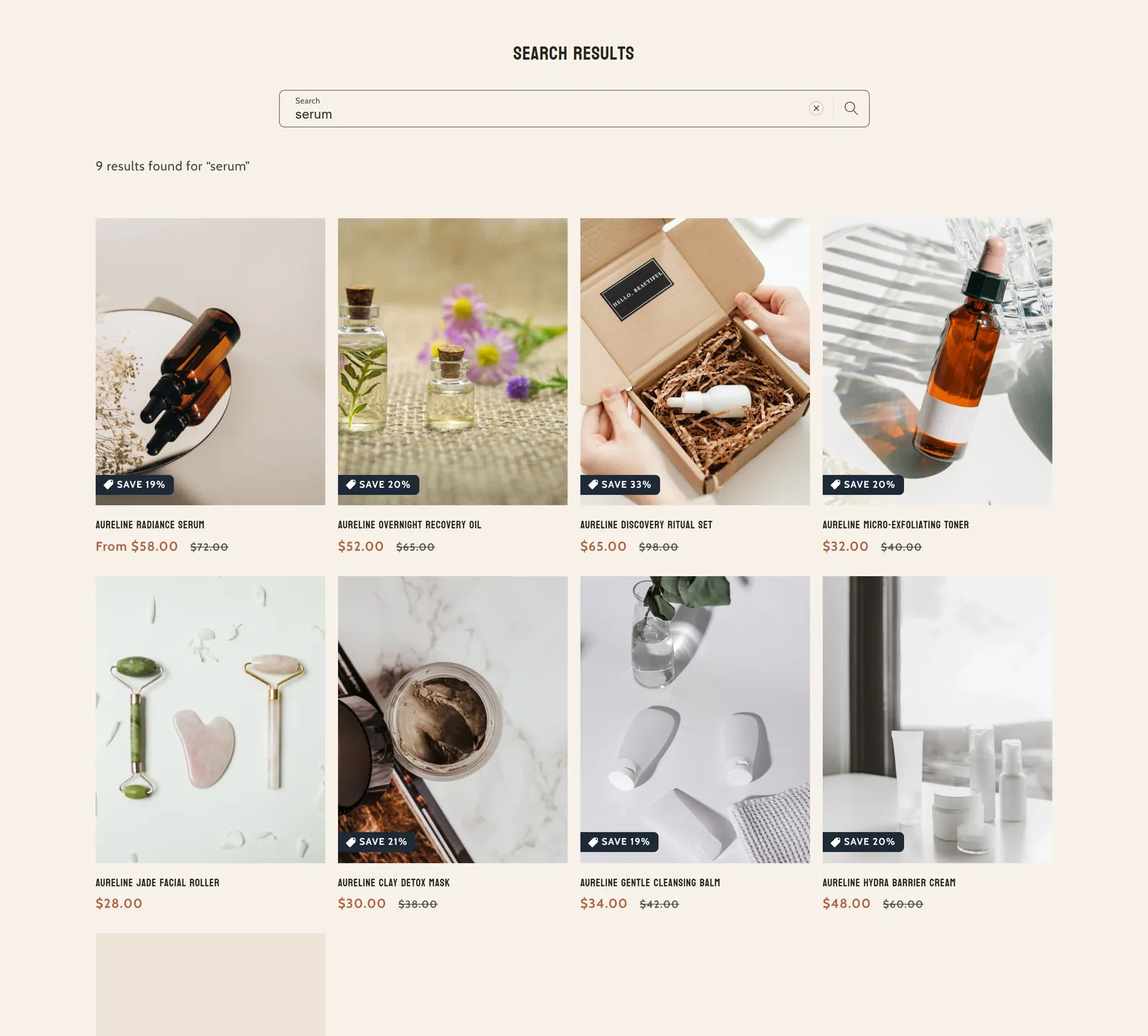
What it is
The search results page: shows products and articles that match what the customer searched for, with filters and sorting.
When to use it
- Control how many columns and which card style are used in the results.
- Let shoppers filter and sort the results.
- Decide what data shows on product and blog cards.
- Used by default in
- Search results
- Available in
- Any template
Main settings
How this section's settings are organised.
General1 settings
Number of columns on desktop
Product card4 settings
Image ratio · Show second image on hover · Show vendor · Show product rating
Filtering and sorting3 settings
Enable filtering · Desktop filter layout · Enable sorting
Blog card2 settings
Show date · Show author
Mobile Layout1 settings
Number of columns on mobile
Common settings
This section also has these shared settings, explained on their own page:
Full reference: 13 settings
Type, default value, ranges and units, every option and when each setting shows — plus every block setting, tips and the docs of older versions. Available to Pixelion customers.
File: sections/main-search.liquid · v2.0.15