Utilities
Pixelion Designer
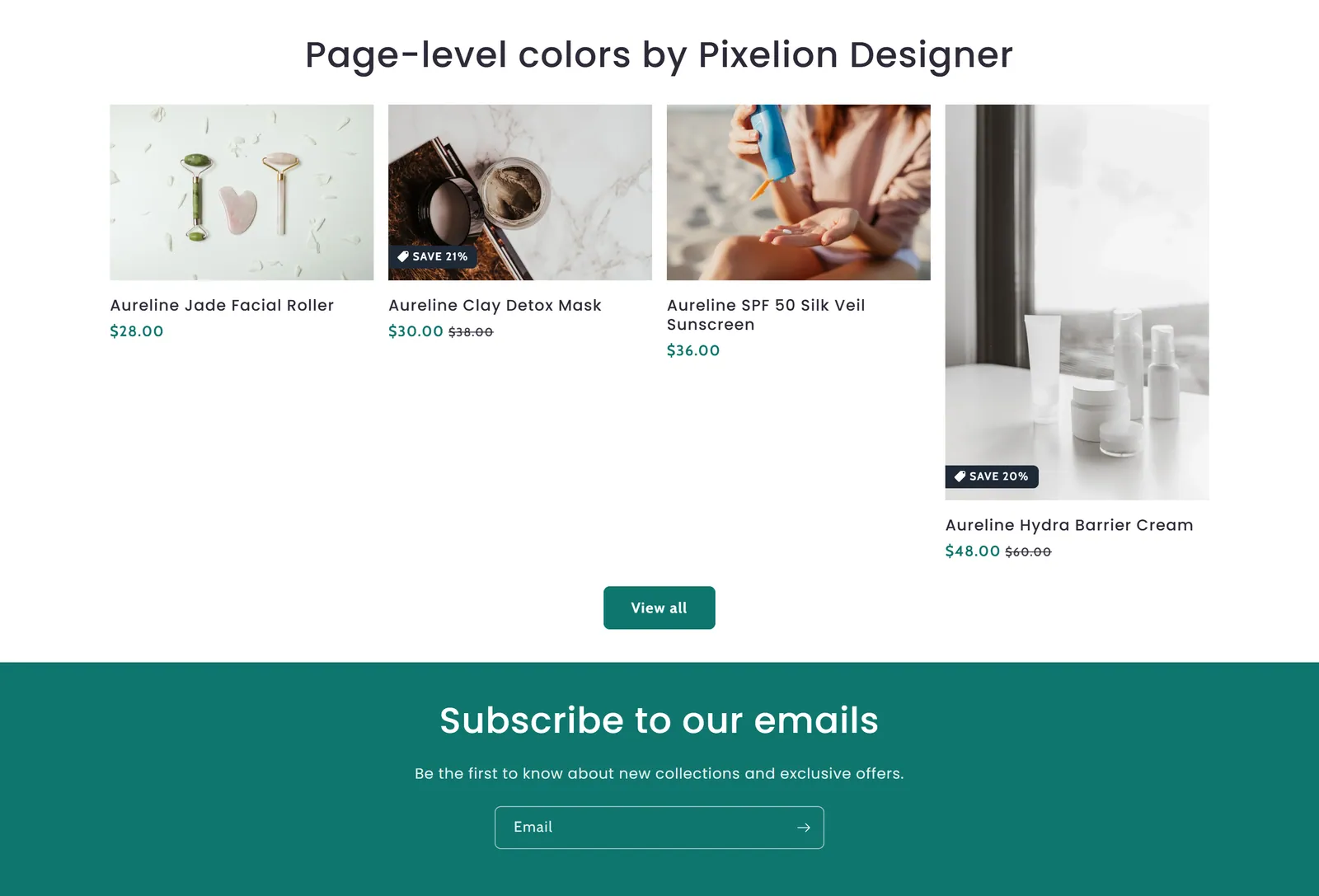
What it is
A utility that lets you change the page width, colors and typography only on the page where you place it, without touching the theme's global settings.
When to use it
- Give a specific page (for example, a product or campaign page) its own colors and fonts.
- Try a different page width on a single page.
- Adjust the scale of headings and body text on that page.
- Used by default in
- Not placed by default: add it from the editor.
- Available in
- Everywhere except: Header (every page), Footer (every page)
- Appears in the editor as
- «Pixelion Designer»
- Limits
- Once per page
Main settings
How this section's settings are organised.
IMPORTANT2 settings
Enable custom page width · Page Width
Primary colors7 settings
Enable custom primary colors · Solid button label · Accent 1 · Accent 1 gradient · and 3 more
Secondary colors6 settings
Text · Outline button · Background 1 · Background 1 gradient · and 2 more
Custom typography1 settings
Enable custom typography
Headings4 settings
Font · Font size scale · Enable custom heading font size · Heading font size
Body4 settings
Font · Font size scale · Enable custom body font size · Body font size
Full reference: 24 settings
Type, default value, ranges and units, every option and when each setting shows — plus every block setting, tips and the docs of older versions. Available to Pixelion customers.
File: sections/pixelion-designer.liquid · v2.0.15