Social proof & trust
Pixelion - Testimonials
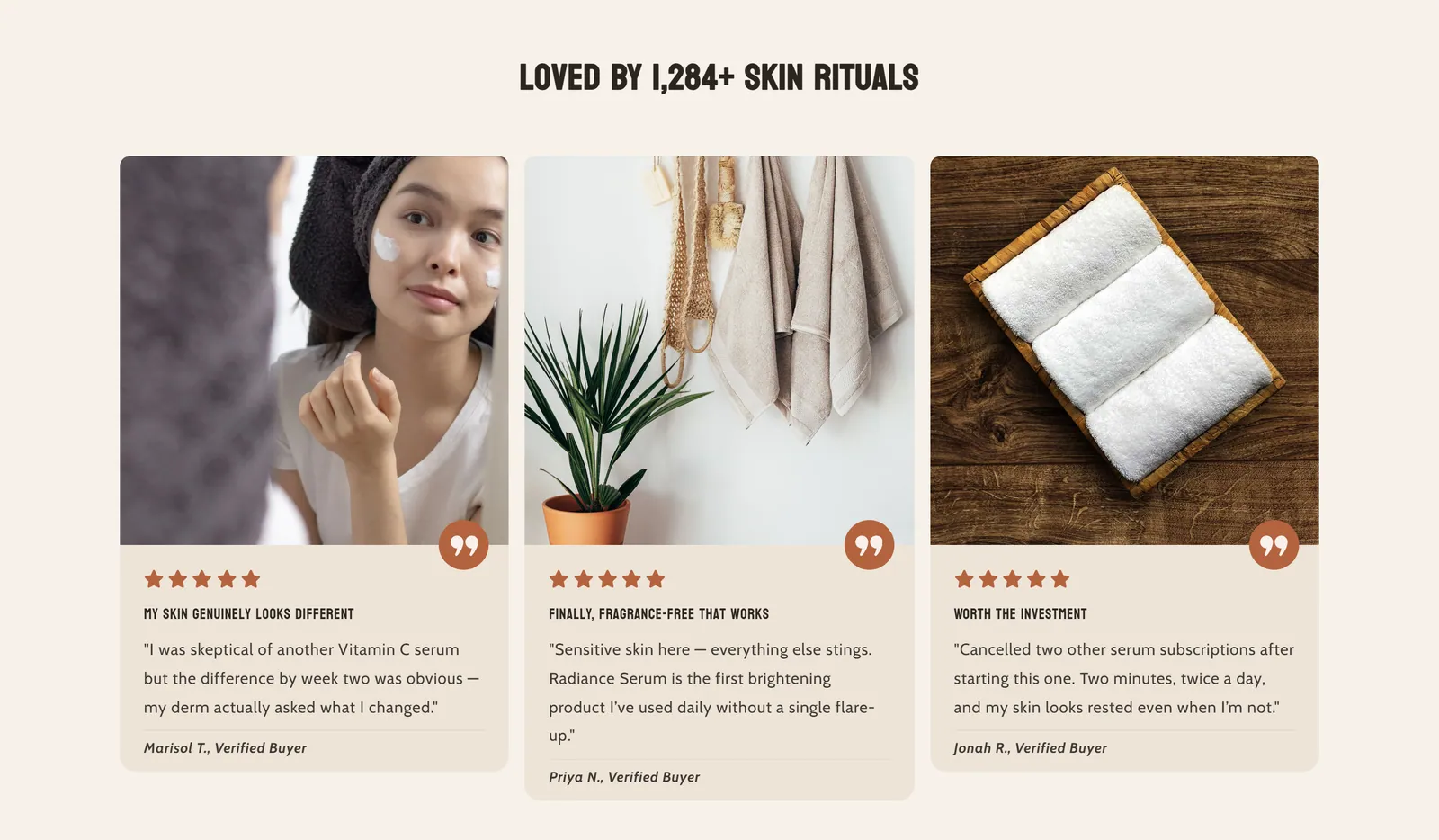
What it is
Customer testimonials as cards or as quotes, with a photo or video, stars, verified text and the author's avatar. They can display as a grid or a slider.
When to use it
- Show real customer opinions on the product page.
- Show video testimonials alongside a customer photo.
- Build trust with stars and verified buyer text.
- Used by default in
- Product page
- Available in
- Everywhere except: Header (every page), Footer (every page)
- Appears in the editor as
- «Testimonials»
Main settings
How this section's settings are organised.
General11 settings
Heading · Font size · Mobile font size · Heading text alignment · and 7 more
Style1 settings
Style
Cards style19 settings
Media width · Media ratio · Text alignment · Card border radius · and 15 more
Slider6 settings
Type · Enable autoplay · Autoplay speed · Arrows color scheme · and 2 more
Desktop10 settings
Full page width · Slides per page · Enable desktop slider · Slides to scroll on one move · and 6 more
Mobile5 settings
Enable mobile slider · Preview of prev & next slides · Adaptive height · Dots position · and 1 more
Common settings
This section also has these shared settings, explained on their own page:
Blocks
Content you add inside the section with “Add block”. Their settings are in the full reference.
- Testimonial8 settings
Full reference: 77 settings
Type, default value, ranges and units, every option and when each setting shows — plus every block setting, tips and the docs of older versions. Available to Pixelion customers.
File: sections/testimonials.liquid · v2.0.15