Hero & banners
Custom Banner
What it is
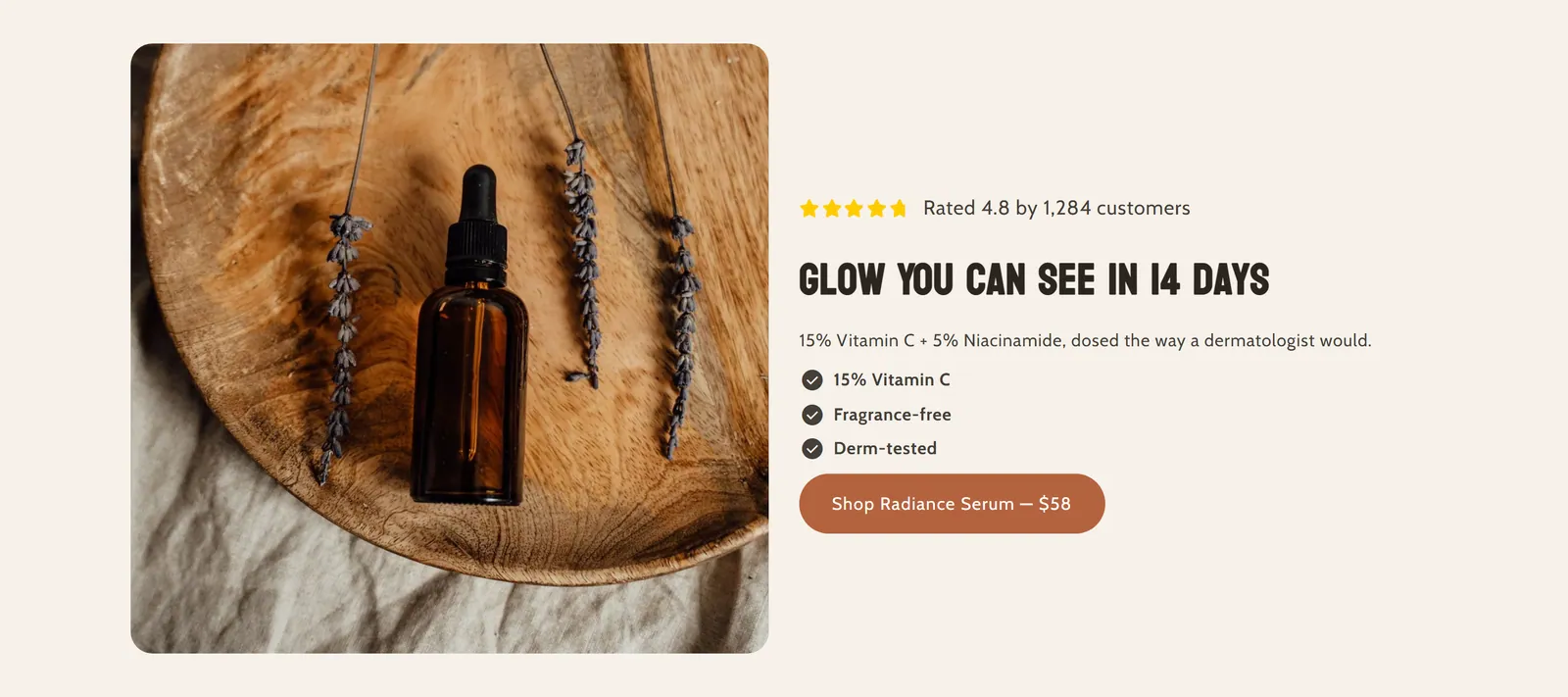
A banner with an image and text side by side, with highly customizable background, borders and buttons. Shoppers see your message next to an image, in the order you choose on desktop and mobile.
When to use it
- Present an offer or a collection with an image, headline and buttons.
- Highlight a customer review next to a brand message.
- Create an eye-catching block with a gradient, pattern or background image.
- Show a video or trust badges inside a single banner.
- Used by default in
- Blog post, Home page
- Available in
- Any template
- Appears in the editor as
- «Custom Banner»
Main settings
How this section's settings are organised.
Pattern Background5 settings
Enable pattern background · Pattern type · Dot/Grid color · Dot/Grid size (px) · and 1 more
Layout4 settings
Image Fit · Desktop image position · Mobile image position · Full width
Colors6 settings
Section color scheme · Override section color · Custom section background color · Content color scheme · and 2 more
Border6 settings
Border width · Border style · Border color preset · Override border color · and 2 more
Background Options14 settings
Enable gradient background · Gradient background · Enable background image · Background image · and 10 more
Media7 settings
Image · Mobile Image · Hide image on · Space between content and image (desktop) · and 3 more
Spacing4 settings
Top padding (desktop) · Top padding (mobile) · Bottom padding (desktop) · Bottom padding (mobile)
Blocks
Content you add inside the section with “Add block”. Their settings are in the full reference.
- Pixelion - Spacer1 settings
- Pixelion: Review with img70 settings
- Video Carousel57 settings
- Pixelion: Featured Review18 settings
- Pixelion - Icons Plus88 settings
- Pixelion - Badges128 settings
- Pixelion - Rating stars49 settings
- Pixelion Heading24 settings
- Pixelion: Platform Review50 settings
- Pixelion - Note box40 settings
- Pixelion Description V195 settings
- Pixelion: Happy Customers32 settings
Full reference: 757 settings
Type, default value, ranges and units, every option and when each setting shows — plus every block setting, tips and the docs of older versions. Available to Pixelion customers.
File: sections/custom-banner.liquid · v2.0.15