Product
Video Carousel
What it is
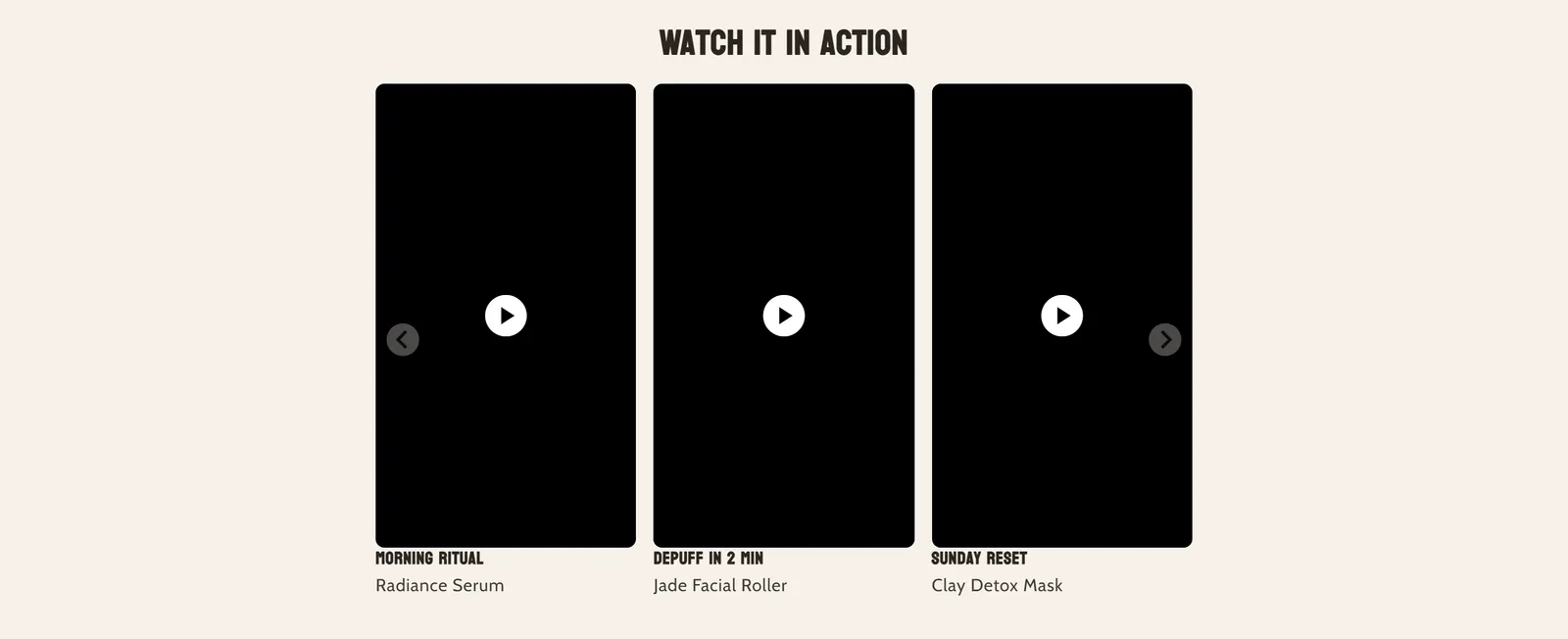
Shows a row of short videos on the product page, in vertical 9:16 format or as circles in the style of Instagram stories. Customers can watch them while they browse the page.
When to use it
- Show the product in use with short videos or video reviews.
- Feature several videos from different products and link each one to its product.
- Give your videos a stories look with the circle style.
- Used by default in
- Not placed by default: add it from the editor.
- Available in
- Any template
- Appears in the editor as
- «Video Carousel»
Main settings
How this section's settings are organised.
General2 settings
Section subheading · Mode
Video Playback2 settings
Autoplay videos · Playback strategy
Layout Settings11 settings
Layout style · Circle border color · Circle border width · Slide width · and 7 more
Carousel Behavior5 settings
Auto-rotate slides · Rotation interval (seconds) · Pause rotation on hover · Enable infinite loop · and 1 more
Section padding2 settings
Padding top · Padding bottom
Typography4 settings
Font size (desktop) · Font size (mobile) · Text alignment · Text alignment (mobile)
Spacing4 settings
Top margin (desktop) · Top margin (mobile) · Bottom margin (desktop) · Bottom margin (mobile)
Blocks
Content you add inside the section with “Add block”. Their settings are in the full reference.
- Video7 settings
- Pixelion Heading24 settings
Full reference: 61 settings
Type, default value, ranges and units, every option and when each setting shows — plus every block setting, tips and the docs of older versions. Available to Pixelion customers.
File: sections/product-video-carousel.liquid · v2.0.15