Social proof & trust
Why Choose Us v3
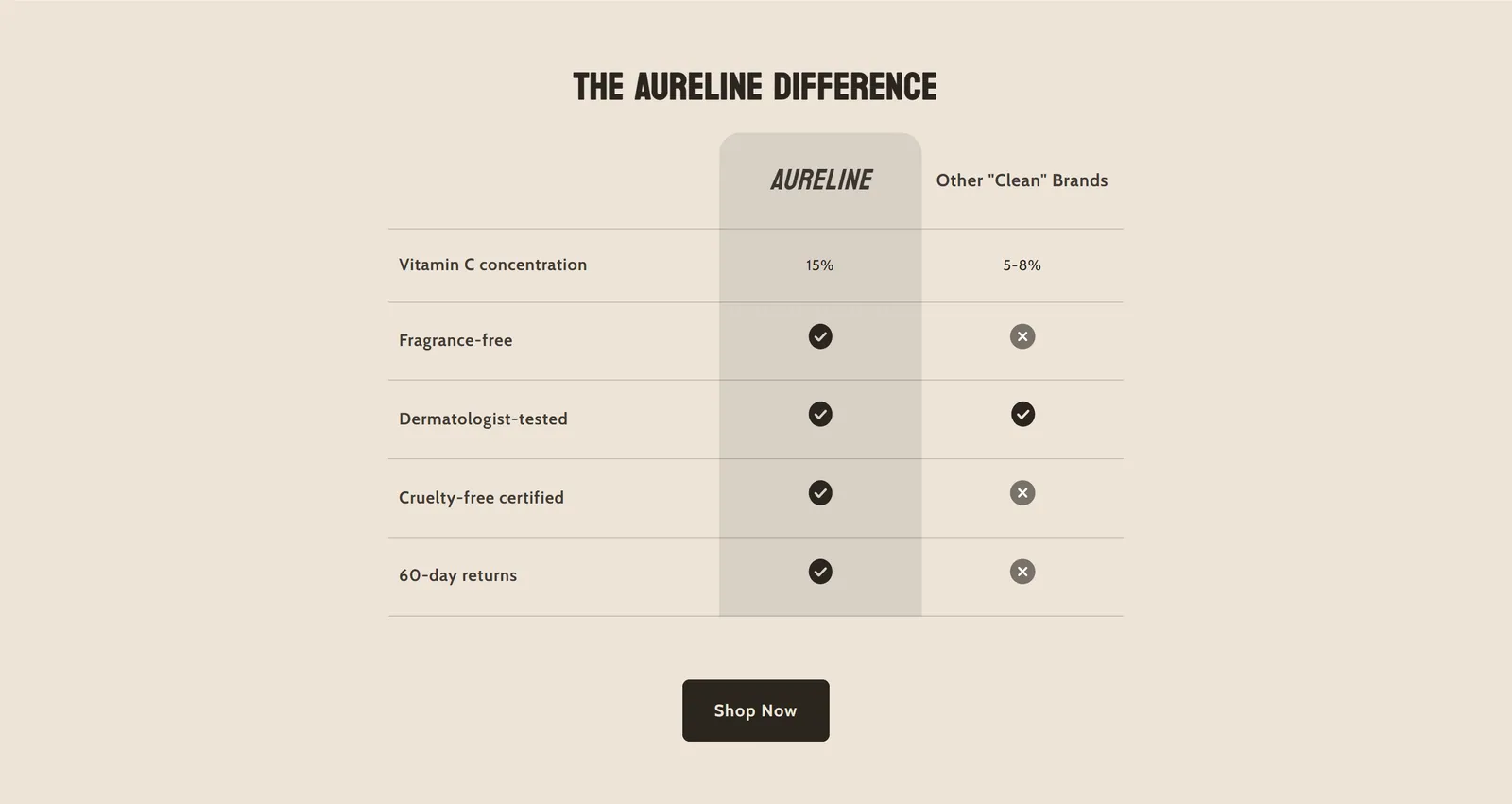
What it is
A three-column comparison table: the feature, your brand and the competition. Each row shows a checkmark, an X or a text.
When to use it
- Compare your brand with other brands in your niche clearly.
- Show at a glance what you offer and what the competition does not.
- Add a buy button right below the comparison.
- Used by default in
- Not placed by default: add it from the editor.
- Available in
- Any template
- Appears in the editor as
- «Why Choose Us V3»
Main settings
How this section's settings are organised.
Content15 settings
Heading · Font size · Mobile font size · Heading text alignment · and 11 more
Layout4 settings
Full Width · Feature Column Width · Brand Column Width · Competitor Column Width
Typography4 settings
Header Font Size · Brand Header Font Style · Feature Text Font Size · Cell Text Font Size
Icons & Symbols1 settings
Icon Size
Colors13 settings
Override background colors · Background Color · Border Color · Override text colors · and 9 more
Spacing4 settings
Top Padding · Bottom Padding · Mobile Top Padding · Mobile Bottom Padding
Common settings
This section also has these shared settings, explained on their own page:
Blocks
Content you add inside the section with “Add block”. Their settings are in the full reference.
- Comparison Feature6 settings
Full reference: 113 settings
Type, default value, ranges and units, every option and when each setting shows — plus every block setting, tips and the docs of older versions. Available to Pixelion customers.
File: sections/why-choose-us-v3.liquid · v2.0.15